How to Label Wine Bins and Bottles
Madeleine Cruickshank
September 25, 2026 · 7 min read
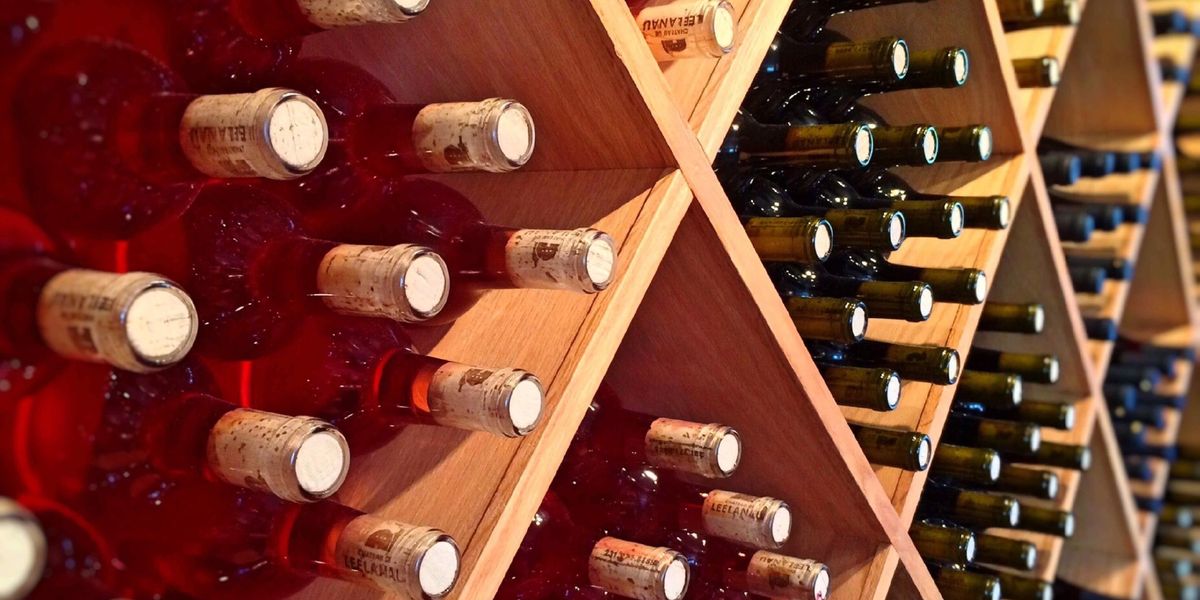
If you have come here to fix a label that will not scan, this is the wrong post. See our scanning troubleshooting guide or our guide to photographing labels for app accuracy instead. This post is about a different kind of label entirely: the ones you apply to a rack, a bin, or a shelf so that a bottle can be found in the room, not just found in an app.
Should you label the bin or the bottle?
Label the location, not the bottle. Bin cards and rack labels survive bottle turnover; neck tags do not. A label on the rack stays accurate for years, through dozens of bottles coming and going. A label on the bottle leaves the cellar the moment the bottle does, and someone has to remember to make a new one for whatever replaces it.
This is the single decision that determines whether a labeling system still works in six months or has quietly fallen apart.
Rack and Shelf Labels
Verdict: the foundation of any labeling system, and the one every cellar needs regardless of size. A label on the rack or shelf itself, identifying the row, column, or section, gives every bottle in that position a location without touching the bottle at all.
Adhesive labels, engraved tags, or simple printed cards slotted into a holder all work. What matters is that the label survives the cellar's actual conditions: humidity, handling, and the occasional spill. A paper label with no protection will not last a year in a damp cellar. A laminated card or an engraved tag will outlast the racking itself.
Keep the labeling scheme simple enough to write on a small card: a row letter and a column number is usually enough. Elaborate naming systems that require a key to decode are a common reason collectors stop maintaining physical labels after the first few months.
Bin Cards
Verdict: the right choice for case storage, cellar cabinets, or any spot holding more than a few bottles at once. A bin card sits at the front of a bin or shelf section and lists what is currently in it, rather than relying on a rack label alone to convey contents.
What should you write on a bin card?
At minimum, write the producer, the vintage, and the quantity, updated whenever the bin's contents change. That is enough for someone standing in the cellar to confirm what they are looking at without pulling every bottle forward to check a label.
Some collectors add a drink window or a note on style, which helps at the moment of choosing a bottle rather than just confirming one. The tradeoff is maintenance: the more detail on the card, the more often it needs updating, and a bin card nobody updates is worse than no card at all, since it actively misleads.
A pencil or a grease pencil on a laminated card is a practical, low-friction way to keep a bin card current, since it can be wiped and rewritten in seconds rather than reprinted.
QR Codes
Verdict: useful for connecting a physical location to your digital record, not a replacement for a readable label. A QR code on a rack or bin section can link directly to that location's view in your inventory app, which is a genuine convenience if you or a guest wants more detail than a bin card can hold.
The failure mode is treating a QR code as the only label. A code tells you nothing without a working phone, a camera, and a connection, and it tells a guest even less, since most people will not think to scan a cellar rack. Pair a QR code with a plain-text label rather than instead of one.
Neck Tags and Other Bottle-Applied Labels
Verdict: avoid these for anything you plan to keep for more than a few weeks. A tag looped around a bottle's neck or a sticker applied to the bottle itself moves with the bottle, which sounds convenient and causes two real problems.
First, it does not survive the bottle leaving the cellar, which means every bottle you drink, gift, or sell takes its label with it and the next bottle in that spot has none. Second, adhesive labels can damage a bottle's own label or leave residue that affects resale and provenance documentation, which matters if you ever plan to sell from the collection. See our guide to how wine provenance affects value for why label condition is part of that picture.
The one reasonable use for a bottle-applied tag is genuinely temporary: marking a bottle you have pulled for a specific occasion so it does not get put back in the wrong spot, removed once it is either opened or returned.
Keeping Physical Labels in Sync With the App
A labeling system only works if the physical labels and the digital record agree, and the two drift apart the same way any manual record drifts: through small updates that happen in the cellar and never make it back to the app, or the reverse.
Update the location field in your app at the same time you update a bin card or move a bottle to a new rack position, rather than treating it as a separate task for later. This is the same discipline that keeps a shared household cellar accurate; see our guide to sharing a wine cellar for how that habit works in practice when more than one person maintains the cellar.
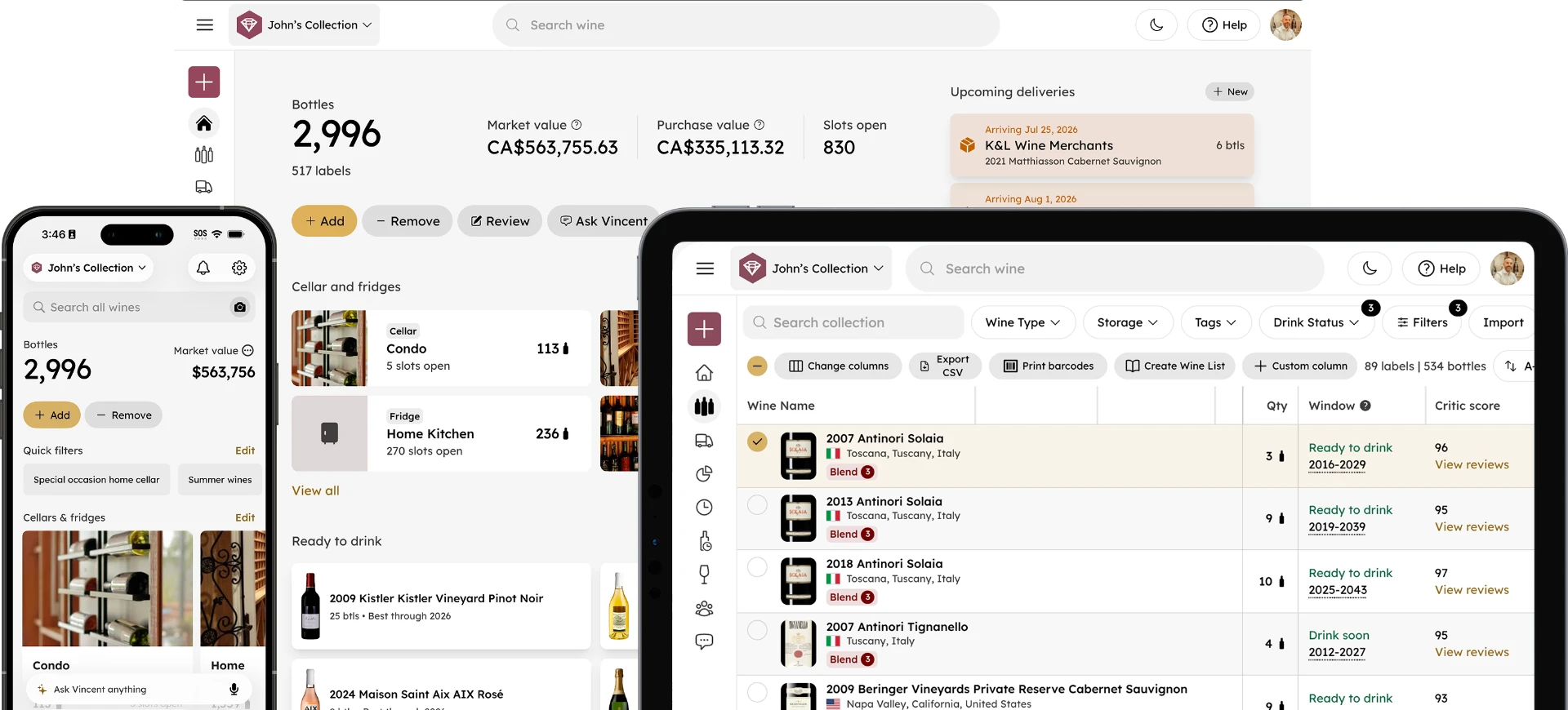
InVintory's VinLocate builds a visual map of your actual rack, row, and bin layout, so the digital location and the physical one describe the same thing rather than two separate systems you have to reconcile by hand.
Set up your cellar's visual map →
For the full setup walkthrough, see our VinLocate setup guide. For naming conventions that hold up as a collection grows past a few hundred bottles, see our cellar organization framework, and for keeping locations accurate over time once the initial setup is done, see our guide to keeping bottle locations accurate.
Labeling a Cellar You Are Just Setting Up
If you are labeling racks for the first time, do it before the racking fills up rather than after. Labeling an empty rack takes minutes; retrofitting labels onto a full one means working around bottles you would rather not disturb. See our guide to organizing a wine cellar for the broader setup sequence, and our guide to choosing a wine rack if you have not settled on racking yet, since some rack styles make certain labeling approaches easier than others.
For help setting up VinLocate or connecting physical labels to your account: visit the Help Center →
For larger or more complex cellars where a fully custom 3D layout matters, InVintory Elite includes custom cellar modeling from the InVintory team.
A good labeling system is invisible until you need it, and then it is the only thing that matters. Label the space, not the bottle, and it will keep working long after any single bottle is gone.
Get Started With InVintory →
Frequently Asked Questions
Should I label individual bottles or just the racks?
Label the racks, bins, or shelves rather than individual bottles. A location label survives bottle turnover; a bottle label leaves the cellar the moment the bottle does, which means constant relabeling for no lasting benefit.
What is the best material for a wine bin label?
Laminated cards or engraved tags hold up best in cellar conditions, since paper labels degrade quickly in humidity. A pencil or grease pencil on a laminated card is a practical way to keep contents updatable without reprinting.
Do I need a QR code system for a small cellar?
Not usually. QR codes are most useful once a cellar is large enough that linking a rack directly to its digital record saves real time. A small cellar is usually served well enough by clear rack labels and an accurate app record alone.
How do I keep bin cards accurate as bottles come and go?
Update the bin card at the same time you update the bottle's location in your app, rather than treating them as separate tasks. Treating physical and digital updates as one action, done together, is what actually keeps both accurate over time.