Wine Cellar Temperature Monitors Compared
Madeleine Cruickshank
September 23, 2026 · 8 min read
Is a wine cellar temperature monitor worth it?
A wine cellar monitor is worth it once your collection is worth more than a few thousand dollars, because a failed cooling unit can ruin every bottle before you notice. The failure mode that costs collectors money is not a dramatic breakdown. It is a unit that quietly drifts five degrees over two weeks while nobody opens the door.
A monitor costs less than a single good bottle. The question is not whether to have one, but which type suits how your cellar is built and how far you are from it.
The Four Types, Compared
Bluetooth-only sensors. Read from your phone when you are within range, typically 98 to 196 feet line of sight. No hub, no WiFi, no subscription. They log continuously and you collect the data when you walk past. No remote alerts, which is the whole limitation. Best for a cellar in the house you live in.
WiFi-direct sensors. Connect straight to your home network with no hub and push alerts to your phone from anywhere. Typically 2.4GHz only, which matters if your router is configured 5GHz-first. Best for most collectors.
Bluetooth sensors plus a gateway. A local sensor paired with a separate bridge device that puts it online. More parts and more cost, but the sensors themselves tend to be the more accurate ones, and the gateway covers several sensors at once. Best for multi-zone cellars and for anyone who wants factory-calibrated accuracy.
Cellular or professional monitoring. Independent of your home network entirely, which means it keeps reporting when the WiFi or the power goes down. Substantially more expensive and generally overkill below serious collection values.
Accuracy across all four is closer than the marketing suggests. Most consumer sensors land at roughly plus or minus 0.5F for temperature and plus or minus 3% RH for humidity. What actually separates them is whether they alert you remotely, how long the battery lasts, and whether the data is yours to export.
Bluetooth-Only Sensors
Verdict: the right choice only if you are physically near the cellar most days. They are cheap, the batteries last, and the accuracy is identical to the WiFi versions. They cannot tell you anything while you are away, which is exactly when cooling units fail unnoticed.
The Inkbird IBS-TH2 is representative of the category: plus or minus 0.5F and plus or minus 3% RH, a working range of -40F to 140F, Bluetooth to roughly 98 feet, 30,000 stored data points, IPX4 water resistance, and a built-in magnet so it sticks to a rack without adhesive. It runs on two AAA batteries for roughly three to six months depending on how often you set it to sample. Inkbird sells gateways that put the same sensors online, which moves it into the third category below.
Govee's Bluetooth models sit in the same band at plus or minus 0.54F and plus or minus 3% RH, with range up to 196 and 262 feet depending on model, and two years of exportable data.
WiFi-Direct Sensors
Verdict: the default recommendation for most home cellars. One device, no hub, remote alerts, and nothing extra to buy.
The Govee H5179 is the clearest example. It uses a Swiss-made sensor rated at plus or minus 0.54F for temperature and plus or minus 3% RH for humidity, refreshes every two seconds, connects directly over 2.4GHz WiFi with no hub, and pushes alerts through the Govee Home app. It holds 20 days of history online and exports up to two years of data.
The 2.4GHz limitation is worth checking before you buy. It does not support 5GHz networks, and some modern routers combine both bands under one name in a way that confuses setup. If your cellar is a basement corner at the far edge of your WiFi range, test signal there before committing to any WiFi-direct device.
This category has a specific advantage for InVintory users. InVintory Elite integrates with Govee sensors, so cellar conditions appear alongside your collection rather than in a separate app you have to remember to open. That integration is the reason to prefer Govee over an equivalent competitor if you are already on Elite.
Bluetooth Sensors With a Gateway
Verdict: the accuracy-first option, and the right answer for multi-zone cellars. More expensive and more parts, but you can run several sensors through one bridge.
SensorPush is the reference product here. The HT1 is the entry sensor at plus or minus 0.5F, working hub-free over Bluetooth to roughly 100 meters line of sight, listed around $49 to $55 as of September 2026. The HT.w adds water resistance through o-ring seals and a protective membrane over the humidity sensor, is stated by SensorPush as slightly more accurate than the HT1, and runs one to two years on a battery in typical conditions.
Remote alerts require the separate G1 Gateway, listed around $99, with no monthly fee and unlimited history. That is the real cost consideration: a single SensorPush setup with remote alerting costs meaningfully more than a WiFi-direct sensor that does the same job.
What you get for it is calibration. SensorPush sensors are factory-calibrated against NIST-traceable references, which matters more than the headline accuracy number. An uncalibrated plus or minus 3% sensor can sit anywhere within a six-point band; a calibrated one at the same rating is centered on the true value. For a cellar you are trying to hold inside a narrow humidity range, that is the difference between a reading you can act on and one you cannot.
A note on a discrepancy you may encounter: some comparison sites quote SensorPush humidity accuracy as plus or minus 1.5% RH. SensorPush's own documentation gives plus or minus 3%. The calibration, not a tighter published band, is the genuine advantage.
Cellular and Professional Monitoring
Verdict: only once the collection value justifies it, or if your cellar is somewhere you are rarely present. Independent of home WiFi and mains power, which is precisely the scenario where the other three categories all fail simultaneously.
If a power cut takes down your router, a WiFi-direct sensor stops reporting at the exact moment your cooling unit also stops working. A cellular monitor with battery backup keeps sending. For a second property, a storage unit, or a genuinely high-value cellar, that gap is the entire argument for the category.
What to Set Your Alerts To
The single most common mistake is setting alert thresholds so tight that you get notified constantly, learn to ignore them, and then miss the real one.
Set a temperature alert band wider than normal daily variation but inside genuine risk, and give it a time delay so a brief door-opening does not trigger it. Humidity alerts should sit outside the 50 to 70 percent working range rather than at its edges. And set a low-battery alert, because a dead sensor reports nothing and looks identical to a cellar with no problems.
Once an alert does fire, what you do in the first hour matters more than the hardware that told you. Our temperature and humidity monitoring playbook covers the first-response checklist, how to tune alert rules that fire too often, and how to trace a root cause rather than treat a symptom. This post is about choosing the device; that one is about what happens after it does its job.
Where a Monitor Fits Alongside Your Collection Record
A monitor tells you the room is wrong. It does not tell you what is in the room, what it is worth, or which bottles were most exposed. Those are questions about the collection, not the conditions, and they are the reason a sensor and an inventory belong together rather than in two unconnected apps.
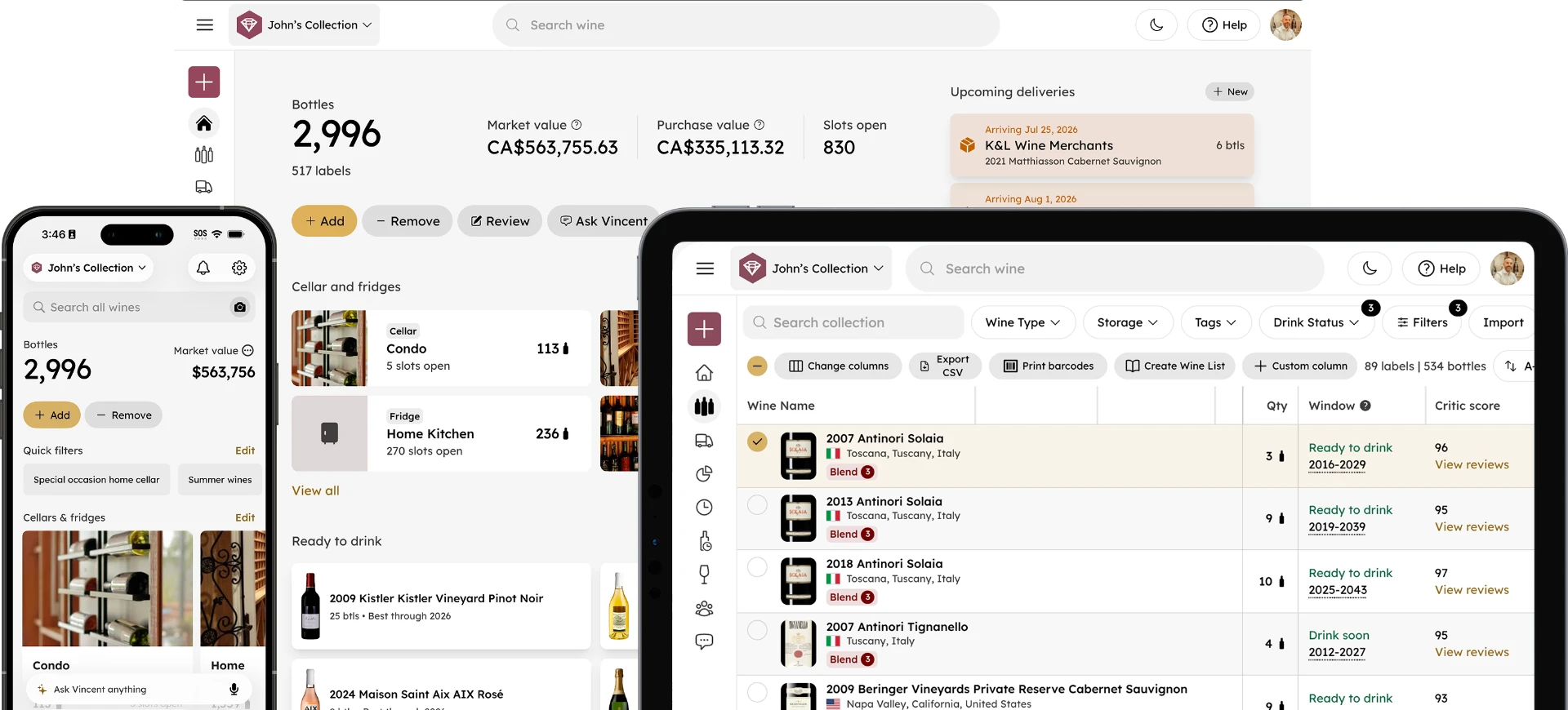
InVintory Elite brings Govee sensor data alongside your collection, so a temperature event and the bottles it affected sit in the same place.
Explore InVintory Elite →
For the underlying targets your alerts should be built around, see our wine storage temperature guide. For what humidity problems actually look like when they take hold, see our guide to wine cellar mold and humidity problems. For the equipment the sensor is watching, see how long wine fridges last, and for the season that breaks the most cooling units, wine storage in summer heat.
Every spec in this post was checked against manufacturer documentation in September 2026. Hardware and pricing in this category change often, so confirm current figures on the manufacturer's own page before buying.
A monitor is the cheapest insurance a cellar has. The only wrong choice is not having one.
Get Started With InVintory →
Frequently Asked Questions
What temperature should a wine cellar alarm be set to?
Set the alert band wider than your cellar's normal daily variation but inside the range where wine is genuinely at risk, with a short time delay so routine door-opening does not trigger it. The underlying target is covered in our wine storage temperature guide.
Do wine cellar monitors need WiFi?
Not all of them. Bluetooth-only sensors work without any network but cannot alert you remotely. WiFi-direct sensors need 2.4GHz WiFi and no hub. Gateway-based systems need the gateway online but not the sensors themselves.
How accurate does a wine cellar sensor need to be?
Roughly plus or minus 1F is sufficient for cellar management, and most consumer sensors are rated near plus or minus 0.5F, so accuracy is rarely the deciding factor. Whether the reading is factory-calibrated and whether you get remote alerts matter considerably more.
How long do wine cellar sensor batteries last?
It varies by device and sample rate, from around three to six months on some AAA-powered Bluetooth sensors up to one to two years on others. Set a low-battery alert regardless, because a dead sensor and a healthy cellar look identical from the outside.
Can one sensor cover a whole cellar?
In a small, well-circulated cellar, usually yes. In a larger room, near a door, or in a cellar with multiple zones, temperature varies enough between locations that a single sensor can miss a problem entirely. Gateway-based systems exist largely to make running several sensors practical.