VinoCell vs CellarTracker: Full Comparison
Madeleine Cruickshank
October 21, 2026 · 7 min read

Which is better, VinoCell or CellarTracker?
VinoCell is better if you use an iPhone or iPad and want a detailed record with drawn rack layouts for a one time price. CellarTracker is better if you use Android, want free inventory tracking, or rely on other collectors' tasting notes.
VinoCell is a paid app for iPhone and iPad, with a web login for your account, built around a personal record of your cellar. CellarTracker is a free site and app with an optional yearly subscription, built around a large community of collectors.
The verdict by type of user
You use Android: CellarTracker. Its support pages describe apps for iOS and Android, plus desktop and mobile web access. VinoCell's home page and App Store listing describe iPhone and iPad apps.
You want to pay once instead of subscribing: VinoCell. It is a paid app, listed at $9.99 in the US App Store, and the listing shows no in-app purchases.
You want to draw your racks and shelves: VinoCell. Its listing describes a visual cellar with customizable rack and shelf layouts.
You want free inventory tracking: CellarTracker. According to its support page, tracking your cellar inventory is free.
You rely on other collectors' tasting notes: CellarTracker. Free users get access to millions of community tasting notes and community wine ratings.
You add wines at the shop or from receipts: CellarTracker. Its support pages describe label and barcode search with the phone camera, and adding bottles from a forwarded receipt.
You want up to 50 fields and three rating scales per wine: VinoCell. Its listing describes both.
You want to take your data with you: either. Both export to spreadsheet formats.
Which platforms do VinoCell and CellarTracker run on?
CellarTracker wins on platforms. Its support page says all users have access to all CellarTracker platforms (desktop, mobile web and the mobile app) whatever their subscription status, and describes subscriber features as available on the website and in the mobile app on both iOS and Android.
VinoCell's website describes an iPhone app and an iPad app, with a VinoCell account that syncs your collection across devices, even when they use different iCloud and App Store accounts. Its App Store listing requires iOS 13.0 or later. VinoCell also has a web login, VinoCell Cloud, where you can sign in from a desktop browser to manage your data online. The login page does not say what you can do once you are signed in. Neither the home page nor the listing describes an Android version.
How do VinoCell and CellarTracker track a cellar?
VinoCell wins on visual layout, and CellarTracker wins on community data. VinoCell's listing describes a visual cellar with customizable racks and shelf layouts, up to 50 detailed fields per wine, search across 40 or more fields, collection statistics, and inventory tracking from purchase to consumption. Its website adds up to 3 photos per wine and a record of how each bottle left the cellar: drunk, offered, sold and so on.
CellarTracker's support pages describe recording purchase details such as price and location or bin for each bottle, with a large community on top: millions of tasting notes and community ratings. It also supports printed custom barcode labels, a subscriber feature, that you scan to remove, relocate or edit bottles.
How do you add wines to each app?
CellarTracker wins on ways to add a bottle. Its support pages describe searching by text, searching by label or barcode with the phone camera, an Add Bottles flow for adding several in a row, and adding a whole purchase by forwarding a receipt. They also say you can scan a CellarTracker or UPC or EAN barcode, or take a picture of a label, to identify a wine. Unlimited receipt recognition uploads are a subscriber feature.
VinoCell works from its own database. Its listing offers access to a database of over 175,000 wines, or you can add a wine manually, and its website says you can attach up to 3 photos per wine from your camera or library. Neither its home page nor its listing mentions label scanning, barcode scanning or receipt entry.
How much do VinoCell and CellarTracker cost?
VinoCell is a one time purchase, and CellarTracker is free with an optional yearly subscription. The figures below are as listed on 20 October 2026.
How much does VinoCell cost?
VinoCell is listed at $9.99 in the US App Store, and the listing shows no in-app purchases. Its home page points to the App Store and lists no separate plans. App Store prices vary by country, so check the listing for your region before you buy.
Is CellarTracker free?
Yes. According to CellarTracker's support page, free users can track their cellar inventory and access millions of community tasting notes and community wine ratings, on every platform. A subscription only changes which features you can use.
How much does CellarTracker cost?
CellarTracker's subscription is priced by cellar size, per year in US dollars. The size counts bottles in stock and pending:
- Up to 100 bottles: $40
- Up to 250 bottles: $60
- Up to 500 bottles: $80
- Up to 1,000 bottles: $160
- Up to 2,500 bottles: $320
- More than 2,500 bottles: $500
CellarTracker says you can always select a different payment amount, and that there is no penalty for exceeding the cellar size for your tier. Subscribers get wine prices, automatic cellar valuation, drinking windows with enhanced coverage, unlimited receipt recognition uploads, drinkability alerts, printable custom barcode labels, a restaurant style wine list, My Charts, and the CellarChat and insights AI features. A free 14 day trial is available only when you subscribe through Apple's in-app subscription in the CellarTracker iOS app, and it converts to a paid monthly subscription unless you cancel. Check CellarTracker's support page for current figures before you subscribe.
Can you export your data from VinoCell and CellarTracker?
Neither wins on export, because both let you take your data out. VinoCell's listing describes CSV and Excel import and export, plus PDF export for wines and cellar data. CellarTracker's support page says any data you enter can always be exported, to CSV or text from the website, with XML, HTML and tab-delimited text also available, and it recommends exporting regularly as a backup.
Whichever you choose, find out how you would get your data out before you start. An app that makes export hard is holding your collection history hostage.
Where each app falls short
VinoCell's apps are for iPhone and iPad, and its home page and listing mention no Android app. It costs money up front, with no free version shown. Neither its home page nor its listing mentions label scanning or receipt entry, so adding wines means searching its database or entering them by hand.
CellarTracker keeps several features behind its subscription, including automatic cellar valuation, enhanced drinking windows, unlimited receipt recognition and printed barcode labels. Subscription tiers rise with cellar size, from $40 to $500 a year, though CellarTracker says you can choose a different amount.
Which app should a new collector start with?
Start with CellarTracker if you want to pay nothing or use Android. Start with VinoCell if you use an iPhone or iPad, want a detailed personal record, and prefer a single payment. Moving between them is easier because both export to spreadsheet formats, but check each app's import instructions for the columns it expects.
Can you use VinoCell and CellarTracker together?
You can, but neither app's documentation describes syncing with the other, so using both means entering bottles twice or moving data through a CSV export and import. Choosing one app as the single record of what you own avoids duplicates.
When neither is the right fit
VinoCell's apps run on iPhone and iPad, with a web login, and draw your racks. CellarTracker runs on iOS, Android and the web and is built around its community. If you want something different from both, there are other options.
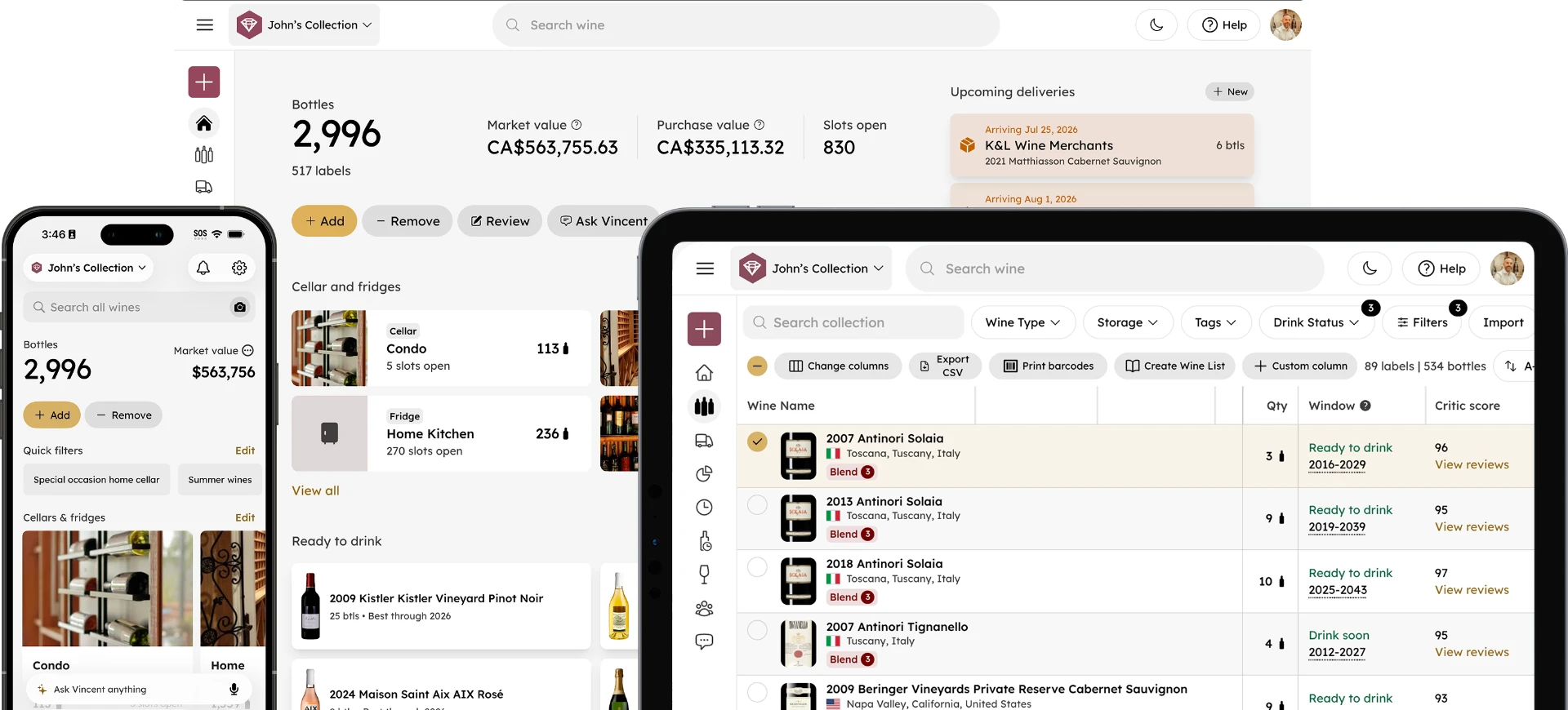
InVintory is an alternative if you want your cellar mapped visually. VinLocate maps where every bottle sits, Vincent is an AI sommelier that works from your own collection, and InVintory runs on iOS, Android and the web. It imports from CellarTracker and from spreadsheets, so trying it does not mean re-entering your cellar. If you are leaving VinoCell, its CSV or Excel export is the starting point. See how InVintory plans compare.
InVintory is not the answer for everyone. If you want to pay once, VinoCell's single price is something InVintory's Free, Premium and Elite plans do not offer. If CellarTracker's community notes are what you rely on most, that archive lives in CellarTracker.
For a head to head, see InVintory vs VinoCell. For CellarTracker against the other large consumer app, see CellarTracker vs Vivino. If you are moving off CellarTracker, our guide on how to switch from CellarTracker to InVintory walks through it, and the InVintory help center covers the import. For the wider field, see the best wine apps for collectors.
FAQ
Does VinoCell have an Android app?
VinoCell's home page and App Store listing describe iPhone and iPad apps, and neither mentions an Android version. VinoCell does have a web login, VinoCell Cloud, for managing your data online.
Does CellarTracker work on Android?
Yes. CellarTracker's support pages link both an iOS and an Android download, and say subscriber features work across the website and the mobile app on iOS and Android.
Is VinoCell worth paying for?
It is worth it if you use an iPhone or iPad and want a detailed record with drawn rack layouts for a single payment. If you use Android or want free inventory tracking, CellarTracker's free tier is the better starting point.
Can I move from VinoCell to another app?
VinoCell's listing describes CSV and Excel export, so a spreadsheet is the usual route. Check the new app's import instructions for the columns it expects.
Does CellarTracker have an AI assistant?
Yes, for subscribers. CellarTracker's support page lists AI for CellarChat and CellarTracker insights as a subscriber feature.