CellarTracker vs Vivino: Full Comparison and Verdict
Madeleine Cruickshank
September 10, 2026 · 6 min read

Which is better, CellarTracker or Vivino?
CellarTracker is better if you own a cellar and need to track it; Vivino is better if you are deciding what to buy. CellarTracker was built as an inventory system with a community tasting note archive on top. Vivino was built for discovery and buying, with a lighter cellar feature added alongside.
The verdict by type of user
- You store bottles to drink later: CellarTracker. Inventory is its core job.
- You buy wine to drink this week: Vivino. Scan a label in the shop and see ratings on the spot.
- You research older or small producer wines: CellarTracker. Its community notes go deeper on collectible bottles.
- You want to buy wine inside the app: Vivino. It runs its own marketplace.
- You manage hundreds of bottles: CellarTracker. It handles bulk inventory work that Vivino was not designed for.
- You want to spend nothing: either. Both have free versions; see pricing below.
What does CellarTracker do better than Vivino?
CellarTracker wins on inventory depth. It tracks each bottle with purchase price, storage location and drinking window, and it handles the unglamorous work properly: what you paid, how many you have left and when to open them.
Its other strength is its community tasting note archive, built up by collectors over many years. If you own an older bottle from a small estate, CellarTracker is more likely than a consumer ratings app to have someone's note on it.
What does Vivino do better than CellarTracker?
Vivino wins on speed and convenience at the point of purchase. Its label scanning is built for standing in a shop aisle, and its ratings come from a broad consumer audience, which is useful for judging a widely distributed bottle on a store shelf and less useful for an allocated Burgundy.
Vivino also sells wine through its own marketplace. That is a real convenience, and a bias worth knowing about: an app that earns revenue from wine sales is not a neutral party in a buying decision.
How much do CellarTracker and Vivino cost?
Both are free to use, and both sell a paid subscription for extra features. CellarTracker publishes its prices; Vivino shows its price in the app at the point of purchase.
Is CellarTracker free?
Yes. According to CellarTracker's support page, the free version lets you track your cellar inventory and read community tasting notes and ratings. A paid subscription unlocks additional features.
How much does CellarTracker cost?
CellarTracker's subscription is priced by cellar size, per year in US dollars:
- Up to 100 bottles: $40
- Up to 250 bottles: $60
- Up to 500 bottles: $80
- Up to 1,000 bottles: $160
- Up to 2,500 bottles: $320
- More than 2,500 bottles: $500
CellarTracker says the subscription only affects feature access, that you can select a different payment amount, and that there is no penalty for going over the cellar size you paid for. Check the support page for current figures before you subscribe.
How much does Vivino cost?
Vivino is free to download and use. Its paid plan is Vivino Premium, and Vivino's subscription terms say the price and billing period are shown in the app or app store at the time of purchase, so they can vary by country. The terms list possible benefits such as free or reduced shipping on marketplace orders, exclusive offers and early access to selected wines or features.
Which app is better for a large collection?
CellarTracker. Once a collection reaches several hundred bottles, you need bulk editing, reliable search and a clean export, and inventory is what CellarTracker is built for. In Vivino, the cellar is a secondary feature next to discovery and buying.
Can you export your data from CellarTracker and Vivino?
CellarTracker exports your full cellar to CSV, which makes it easier to move to another app later. Check Vivino's current export options in your account settings before you commit years of notes to it.
Whichever you choose, find out how you would get your data out before you start. An app that makes export hard is holding your collection history hostage.
Where each app falls short
CellarTracker's interface is dated, and its mobile experience is functional rather than pleasant. Data entry can feel slow, and community notes vary in quality because anyone can contribute.
Vivino's cellar management is thin, its ratings lean toward widely available wines, and its recommendations sit next to a marketplace it profits from.
Which app should a new collector start with?
Start with Vivino if you are still learning what you like and buying mostly at retail. Move to CellarTracker once you are storing bottles rather than drinking them right away. The switch usually comes when you can no longer remember what you own.
Can you use CellarTracker and Vivino together?
Yes, and many collectors do: Vivino for scanning and discovery while shopping, CellarTracker as the record of what they own. The cost is double entry, because the two do not sync.
CellarTracker's AI assistant
CellarTracker now offers CellarChat, an AI assistant in its mobile app for subscribers. It answers questions like what to drink tonight and can filter your collection by vintage, storage location and readiness.
When neither is the right fit
Neither app shows you a visual map of your cellar, so finding a specific bottle in a large collection still means searching racks by hand.
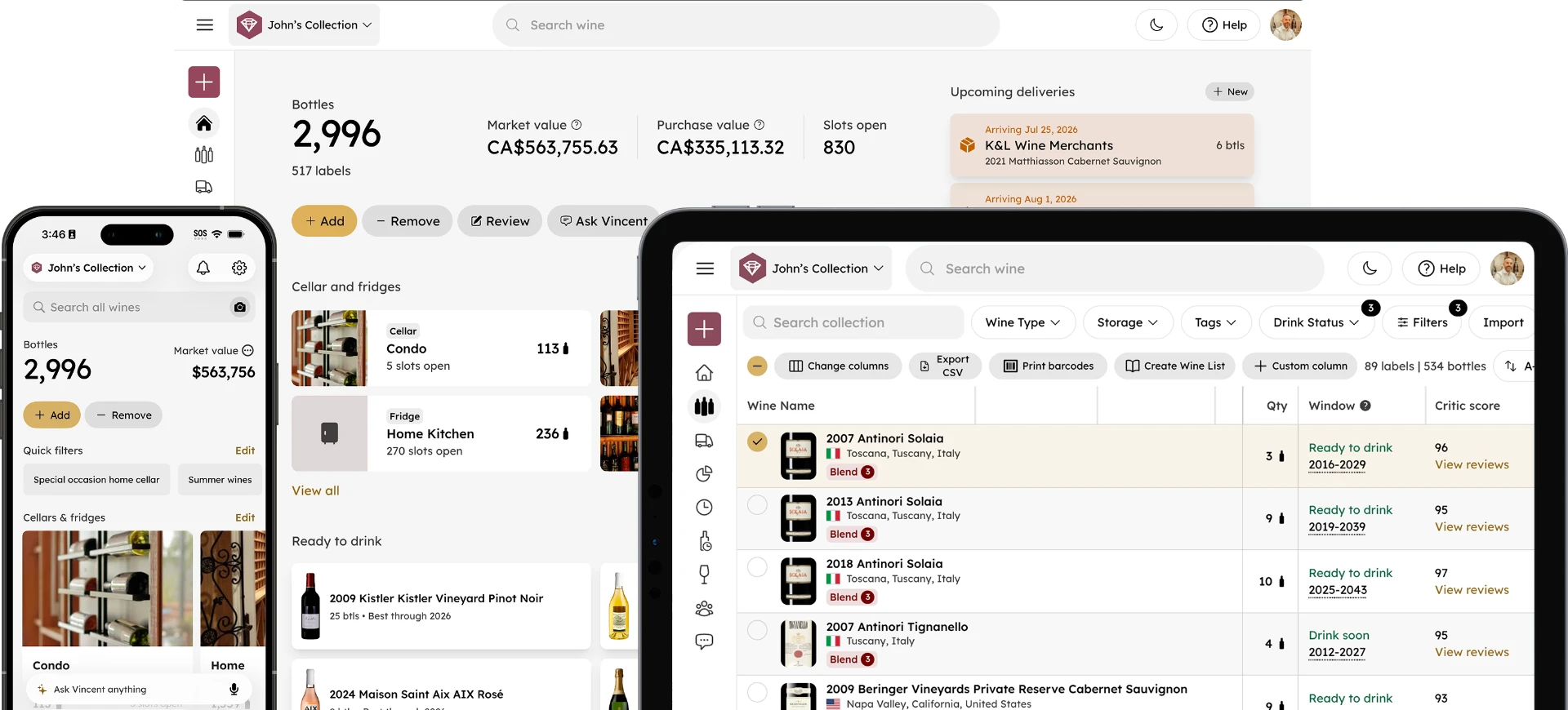
That is the gap InVintory was built for, as an alternative to both. VinLocate maps where every bottle sits, Vincent is an AI sommelier that works from your own collection, and InVintory imports directly from both CellarTracker and Vivino, so trying it does not mean re-entering anything. See how InVintory plans compare.
InVintory is not the answer for everyone. If you mainly want to buy wine inside an app, Vivino's marketplace does something InVintory does not. If CellarTracker's community notes on older vintages are what you rely on most, that archive lives in CellarTracker.
If you are moving off CellarTracker, our guide on how to switch from CellarTracker to InVintory walks through it, and the InVintory help center covers the import. For head to head comparisons, see InVintory vs CellarTracker and InVintory vs Vivino. For the wider field, see the best wine apps for collectors and the best free wine cellar apps.
FAQ
Which has more wine reviews, CellarTracker or Vivino?
They measure different things. Vivino's ratings come from a broad consumer audience, while CellarTracker's strength is written tasting notes from collectors, especially on older and collectible wines. Breadth versus depth, and which matters depends on what you are researching.
Is Vivino's cellar feature enough for a serious collection?
Usually not. The cellar function is secondary to discovery and buying, and collectors with a few hundred bottles typically outgrow it.
Does CellarTracker have a mobile app?
Yes. CellarTracker has a mobile app, and its CellarChat assistant runs inside it for subscribers.
Is CellarTracker worth paying for?
If you use it as your main cellar record, the subscription is modest at smaller cellar sizes and you can choose your payment amount. If you only read community notes, the free version covers that.
Ready to see where every bottle sits? Get started with InVintory.