How to Receive a Wine Delivery: Restaurant Checklist
Madeleine Cruickshank
November 17, 2026 · 4 min read

What are the checks when a wine delivery arrives?
Five checks before you sign: match the invoice to your order, count cases and bottles, inspect for breakage and heat damage, confirm the producer, wine, vintage and format, and record any shortage or substitution on the paperwork. Treat this as a workflow to adapt to your program, not a rule.
Receiving is the step before counting and pricing. For what comes after, see the bar wine inventory count guide and the restaurant wine list workflow.
Check 1: Match the invoice to the order
Compare the invoice line by line with what you ordered before you look at a single case. Check each wine, the quantity and the price per bottle. A price that differs from your order is easier to dispute before you sign than after the invoice is paid.
Check 2: Count cases and bottles
Count bottles, not only cases. A sealed case can still be short, and a mixed case needs opening to confirm what is inside. Count against the invoice, not against the driver's paperwork alone.
Check 3: Inspect for breakage and heat damage
Look for broken bottles, wet or stained cartons, and bottles that have leaked. Wine Spectator's Dr. Vinny notes that seepage or staining from leaked wine could mean the wine expanded from excess heat at some point, or that the cork is compromised. He also says a damp or wrinkled label usually just means the outside of the bottle met moisture, and that a wine can still taste fine despite these signs.
Set suspect bottles aside, photograph them and note them on the paperwork. For tracking breakage after receiving, see bar wine waste and breakage tracking, and for what heat damage tastes like, see wine faults: corked, oxidized and heat damaged.
Check 4: Confirm producer, wine, vintage and format
Check every label against the invoice: the producer, the exact wine, the vintage and the bottle size. A different vintage or a neighboring wine from the same producer is easy to miss in a full case, and it changes what you list, how you price it and what your guests are told. For format names, see wine bottle sizes.
Check 5: Record shortages, damage and substitutions before you sign
Write every discrepancy on the delivery paperwork before you sign, and send it to your distributor the same day. Credits and returns follow your distributor's terms and the liquor rules in your state or province, so confirm the process with your distributor rather than assuming one.
What happens after you receive the delivery?
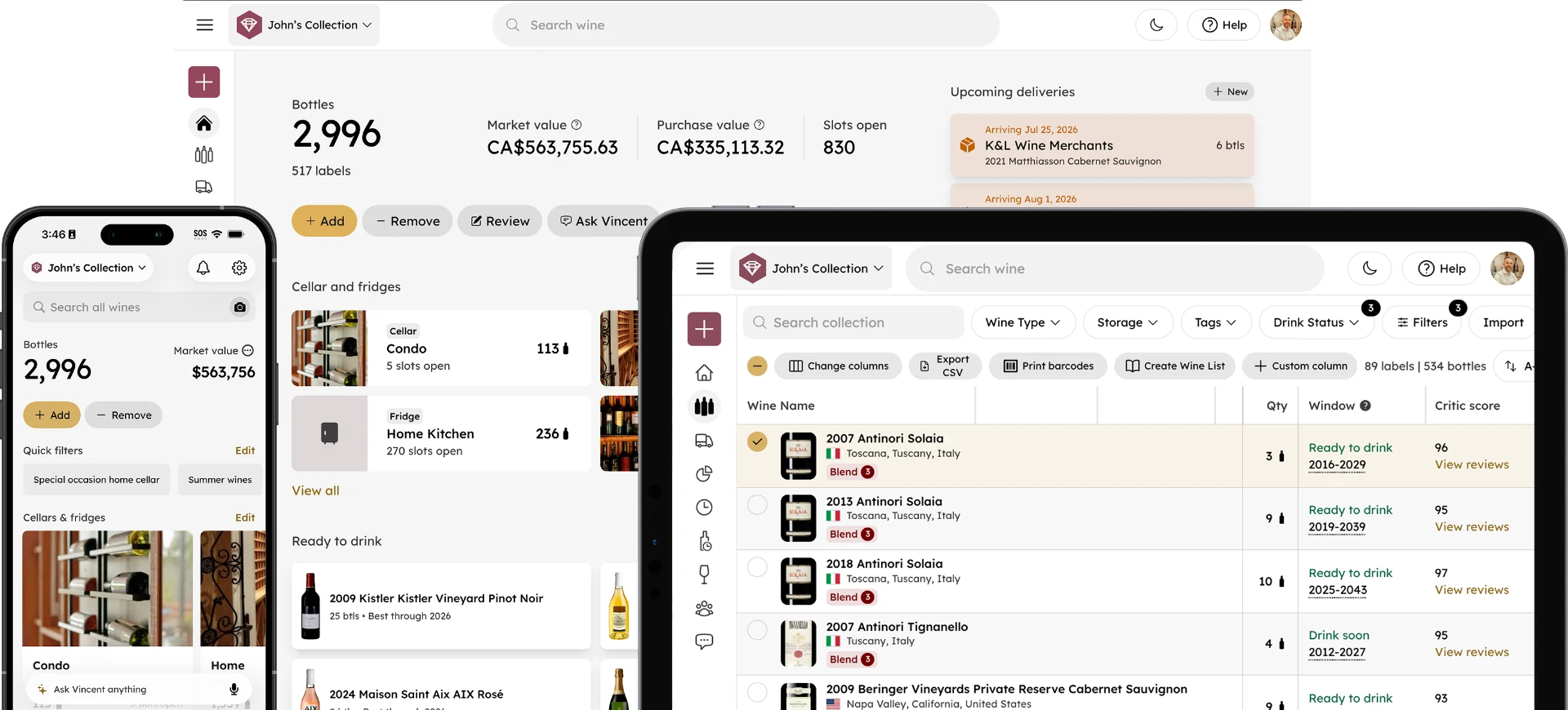
Put the wine away, then update your inventory so the new bottles are counted and findable. A system that shows where every bottle is stored keeps service fast: InVintory for hospitality includes a 3D virtual cellar that shows where every bottle is stored, team access with permissions, and custom removal types for tracking pours, pairing menus and events.
Then update the list and the prices. See how to price a restaurant wine list, and for software options, the best wine bar inventory software compared.
Run a restaurant, bar or hotel wine program? See InVintory for hospitality or get started with InVintory.
Frequently asked questions
Who should receive wine deliveries?
One trained person per shift who knows the order and can sign for it, so discrepancies are caught by someone who can act on them.
Should you refuse a damaged delivery?
It depends on your distributor's terms. Record the damage on the paperwork before you sign and contact the distributor the same day.
What is the difference between receiving and counting?
Receiving checks one delivery against one invoice. Counting checks everything on hand against your records. See the bar wine inventory count guide.
What should you do with a bottle that shows signs of heat?
Set it aside, photograph it and note it on the paperwork. Wine Spectator's Dr. Vinny notes that seepage can mean heat exposure but that the wine may still taste fine.
InVintory is available on iPhone, iPad, Android and web. Get InVintory on the App Store, get InVintory on Google Play, or start on the web.