How to Update a Restaurant Wine List: A Weekly Workflow
Madeleine Cruickshank
May 7, 2026 · 5 min read

How often should a restaurant update its wine list?
Reconcile the list against a physical count once a week, and update it the same day any bottle runs out. A list that shows wine you no longer have sends the guest back to the menu and costs the server a recommendation.
For most restaurants, the slow part of a wine list update is not the editing. It is finding out what is actually true: which bottles are on the shelf, which have sold, and which were never rung in. When that knowledge lives in a spreadsheet, a printed list and someone's memory, every update starts with a search for the facts, and the list drifts out of date between searches.
The workflow below fixes that by running the same four steps in the same order every week. The order matters more than the speed, because each step produces the input for the next.
The Weekly Wine List Workflow, Step by Step
Relative effort is noted for each step so you can plan the week around the heaviest one. No step requires special tooling, though each gets faster when the list is generated from the same record as the count.
Step 1: Count what is on the shelf
Count every bottle by storage location, in the same order each time, and record open bottles separately from full ones. This is the heaviest step of the four, so schedule it for the quietest hour of the week rather than squeezing it into prep. For the full counting method, including count sheets and how to handle open bottles, see our bar wine inventory count guide.
Step 2: Reconcile the count against your records
Compare the count to what your records and sales say you should have, then investigate the largest gaps first. Most gaps have ordinary explanations: a sale rung up under the wrong bottle, a comp or spill that was never logged, or a bottle moved without its location being updated. Work through those before assuming anything worse. Effort is moderate, and it shrinks once breakage and comps are logged as they happen rather than reconstructed at count time. See our guide to bar wine waste and breakage tracking for what to log, and how variance tracking works for the reconciliation loop.
Step 3: Update the list to match stock
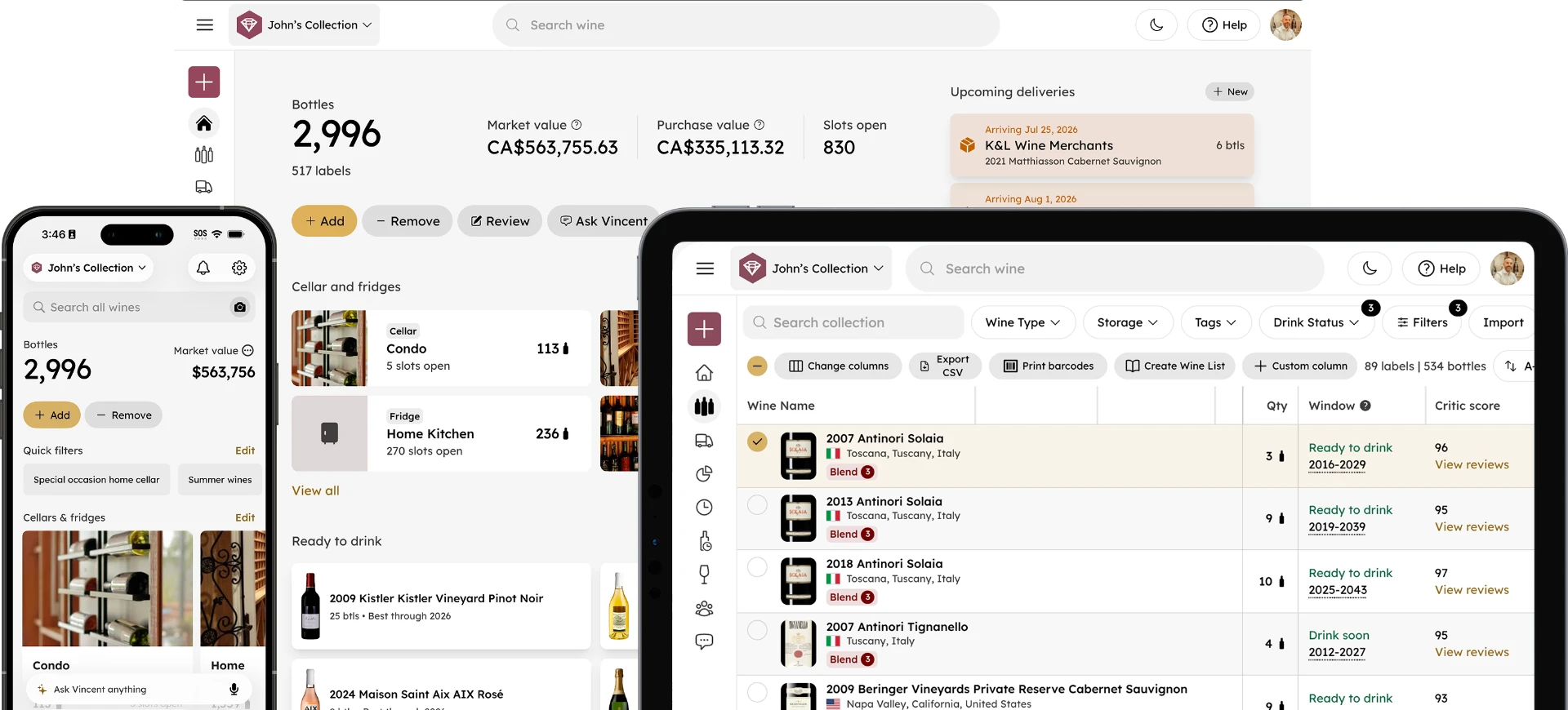
Take every sold-out bottle off the list and add new arrivals before the next service. Effort depends almost entirely on how the list is produced. If the list is retyped by hand, this is a long step and a common source of typos and mismatches. If it is generated from the same inventory record you just reconciled, it is a re-export. InVintory can export a restaurant-style wine list with your logo from your collection, so updating the list after a count means re-exporting rather than retyping.
Step 4: Prep the team for service
Brief the team on what is new, what is out, and what to push before the doors open. A short pre-shift list covering new arrivals, 86'd bottles and one or two bottles to recommend is enough. This is the lightest step, and it is the one that turns an accurate list into accurate service. Short, regular briefings keep the team current as the list changes. See how pre-shift lists work.
Best Practices for Keeping the List Accurate
The workflow only holds if the habits around it do. These five matter most:
- Build the list from the inventory record. One source of truth means the list and the count cannot disagree.
- Count on a fixed schedule. A weekly count that happens every week is worth more than a thorough one that happens when someone has time.
- Log waste and comps as they happen. Reconstructing them at count time is where variance becomes impossible to explain.
- Review what sold and what did not. Use the weekly numbers to spot slow bottles and rotate them. See menu engineering with cellar analytics for how to read sell-through by bottle.
- Train on the list, not just the wine. Staff should know what is new, what is out, and where to find the current list.
Red Flags That Your Workflow Is Breaking Down
- The printed list and the digital list disagree.
- Servers find out a bottle is gone from the table, not from the pre-shift list.
- Counts get skipped on busy weeks.
- Variance gets explained away instead of investigated.
- List updates wait for one particular person to be in.
Several of these trace back to the same few inventory habits. Our guide to common wine inventory mistakes covers how to avoid them.
Where Software Fits In
A spreadsheet can run this workflow for a small list. It starts to strain when the count, the list and the sales data live in separate places, because every step then begins with copying data from one to another. InVintory's hospitality tools are built to keep counts, variance and list exports in one record.
See how InVintory handles counts, variance and list exports for restaurants →
If you manage wine programs for several venues or clients, see InVintory for sommeliers and our guide to managing multiple client wine cellars.
To connect inventory to a point of sale or other systems, see the InVintory API and our partner API launch post.
Frequently Asked Questions
Can a spreadsheet run a restaurant wine list workflow?
Yes, for a small list. The workflow does not depend on software. It depends on one record that the count, the list and the pre-shift briefing all draw from. A spreadsheet fails when that record splits into several files that have to be kept in sync by hand.
What does it mean to 86 a wine?
To 86 a wine is to take it off the list because it is out of stock. The point of the weekly count and the same-day list update is to catch an 86 before a guest orders the bottle.
Who should run the weekly count?
A manager or a designated inventory lead, so the same person builds familiarity with the storage layout and notices anomalies faster. Our bar wine inventory count guide covers who should count and how often.
How does a wine list workflow connect to a point of sale?
Through whichever integration your inventory system supports. InVintory offers a Partner API for connecting inventory to other systems, and the API page lists what is currently supported.
A wine list is only as accurate as the last time someone checked the shelf. Make checking the shelf a weekly habit and the rest of the workflow gets easier.