How to Organize a Wine Collection With Saved Lists
Rachel Daiter
September 17, 2025 · 5 min read

Most collectors start with a cellar or a fridge and a rough mental map of what's in it. That works for a while. But as a collection grows, the mental map starts to break down, and bottles that deserve attention get overlooked.
Saved Lists is InVintory's answer to that problem. It gives you a flexible, always-accessible way to group wines from your collection however you like, so the organization that lives in your head has a permanent home inside the app.
What Are Saved Lists?
Saved Lists are custom, reusable lists you can build inside InVintory to group wines from your collection any way you choose.
They sit inside your Collection tab and are available any time you open the app. Add bottles as you browse your cellar or search results, name the list whatever makes sense to you, and revisit or update it whenever your plans change. There are no fixed categories and no required format: Saved Lists are built around how you actually think about your wine.
What Can You Do With Saved Lists?
Can I create custom lists for specific occasions or goals?
Yes. Saved Lists are fully customizable and built for exactly that purpose.
Create a list for an upcoming dinner party and populate it with bottles you're considering opening. Build a wishlist of wines you want to buy next. Track investment bottles separately from your everyday drinkers. Put together a shortlist for a tasting you're hosting. The list names, contents, and purpose are entirely up to you.
A few examples of how collectors use Saved Lists:
- "Wedding Wines" for bottles being saved for a specific occasion
- "Investment Bottles" to separate wines purchased for appreciation
- "Tasting Night" for a curated selection ahead of an event
- "Buy Next" as a running wishlist of bottles to add to the collection
- "Drink Soon" for bottles approaching the end of their window
Pro tip: InVintory Premium subscribers can see an automatically-generated list of Ready to Drink wines on their app home screen.
How do I add bottles to a Saved List?
Adding bottles is straightforward. Browse your collection or search for a wine, mark the bottles you want, and drop them into any list. You can add from your active collection or from search results, and a bottle can appear in more than one list at the same time.
Where do I access my Saved Lists?
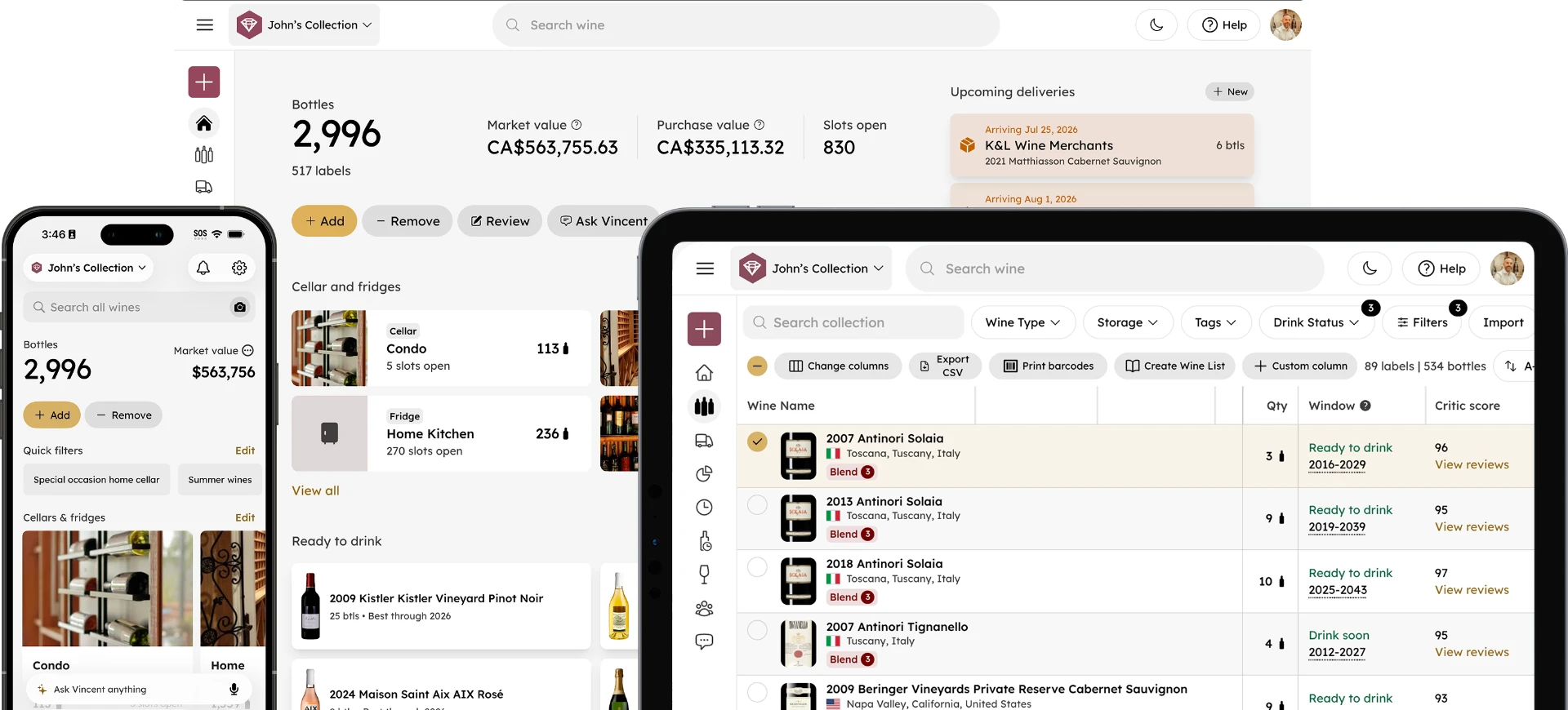
Your lists are available directly from your InVintory home screen. Once created, they're always there: no searching through menus or recreating them from scratch each time.
Why a Dedicated Wine List App Matters for Serious Collectors
What is the problem with organizing wine in spreadsheets or notes apps?
Spreadsheets and notes apps require manual upkeep and live separately from your collection data. Every time a bottle is added, consumed, or moved, the spreadsheet needs a manual update, and it quickly falls out of sync with what you actually own.
Saved Lists solve this because they live inside InVintory, where your collection data already lives. When you add a bottle to your collection, it's immediately available to add to any list. When you consume a bottle, it's gone from your collection and your lists reflect that. There's no parallel system to maintain.
For more on the benefits of using a wine app over a spreadsheet to manage your collection, read our Spreadsheet vs Wine App: Why Collectors are Switching blog post.
How do Saved Lists work alongside drink window tracking?
Saved Lists pair naturally with InVintory's drink window tools. If you're building a rotation of bottles to work through soon, you can combine your drink window data with a Saved List to create a structured, prioritized plan for what to open next.
For a practical approach to building that kind of rotation, this weekly workflow for building a drink-soon rotation using drink windows and lists is a useful starting point. And for a deeper look at how drink window automation works in InVintory, this post on how apps build and maintain your open-tonight queue covers the full picture.
Can multiple people in a household use Saved Lists together?
If you share your collection with a partner or household member, Saved Lists give you a shared organizational layer that works alongside your shared cellar. Both people can see and update the same lists, which keeps everyone on the same page about what's being saved for what occasion. For more on how households manage a single collection together, this post on collaborators and shared cellars covers the full picture.
Saved Lists Replace the Tools That Were Never Built for Wine
Sticky notes get lost. Spreadsheets fall out of sync. Notes apps have no connection to your actual collection data. Saved Lists are built specifically for wine collectors, inside the app where your collection already lives, with the same search and filtering tools you use everywhere else in InVintory.
The result is an organizational system that stays accurate without extra effort. Your lists update as your collection updates, and they're always one tap away from wherever you are in the app.
Ready to start organizing your collection? Download InVintory for free and build your first Saved List today.
Frequently Asked Questions
What are Saved Lists in InVintory?
Saved Lists are custom, reusable lists inside InVintory that let you group wines from your collection any way you like. Use them for occasion planning, wishlists, investment tracking, drink-soon rotations, or any other organizational purpose that fits your collection.
How do I create a Saved List in InVintory?
Open the InVintory app, open the Saved Lists section, press Create to add a new list, name it, and start adding bottles. You can add wines by browsing your collection or searching for specific bottles. Lists are saved automatically and available any time from your home screen in InVintory.
Can a bottle appear in more than one Saved List?
Yes. A single bottle can be added to as many lists as you like. If a wine fits both your "Investment Bottles" list and your "Cellar Picks" list, it can live in both simultaneously.
Are Saved Lists available on web as well as iPhone and iPad?
Yes. Saved Lists are available on iPhone, iPad, and on web, for all InVintory users.
Is this feature available to free users?
Yes. Saved Lists are available to all InVintory users. To see the full range of features available across free, Premium, and Elite plans, visit invintory.com/pricing.
How is this different from filtering my collection?
Filters are temporary. They help you find wines based on criteria in the moment, but they don't save your results or let you build on them over time. Saved Lists are permanent, named groups that you build intentionally and return to whenever you need them. Filters help you find. Lists help you plan.
Organizing a wine collection doesn't need to be complicated. Saved Lists give you a simple, flexible system that lives inside InVintory and keeps up with your collection automatically.