Wine Bar Inventory Software: Variance Alerts and Pre-Shift Lists
Madeleine Cruickshank
September 10, 2025 · 5 min read

How does wine bar inventory software prevent 86s?
Wine bar inventory software prevents 86s by comparing what your point of sale says you sold with what is actually left, alerting you when the two do not match, and turning the result into a pre-shift list of what is low, out or missing before guests arrive. You find the problem in the morning instead of at a table mid-service.
What is inventory variance in a wine bar?
Inventory variance is the gap between how much wine should have left your shelves, based on sales, and how much actually did, based on counts. It is the clearest signal that wine is being lost, overpoured, given away or miscounted.
- Actual usage = opening inventory plus wine received minus closing inventory.
- Expected usage = what your point of sale recorded as sold, converted from glasses to bottles using your pour size.
- Variance = actual usage minus expected usage.
Track variance in bottles and in dollars at cost. A positive number means more wine left the shelf than was rung up. A negative number usually points to a miscount or a delivery that was never entered. For the full counting and reconciliation process, see our bar wine inventory count guide.
How do variance alerts work?
A variance alert flags any wine whose variance passes a threshold you set, so a manager looks at it before the next shift. Without alerts, variance only shows up when someone reads a report, which is often too late to fix the cause.
- Set thresholds per wine or category. A high value bottle deserves a tighter threshold than a house pour.
- Compare after every count. The software matches counts against sales and receiving for the same period.
- Route the alert to one owner, usually the bar manager or wine director.
- Investigate before adjusting. Recount first, then check the waste log, comps and receiving.
- Record the cause. A logged cause turns a one off fix into a pattern you can act on.
What usually causes wine variance?
Most variance traces back to a few repeatable causes:
- Breakage and spills that were never logged.
- Comps and staff tastings that were poured but not rung in.
- Overpouring, especially on busy nights.
- Deliveries entered with the wrong quantity, or not entered at all.
- A point of sale button mapped to the wrong pour size.
- Theft.
Logging waste as it happens removes the first two from the list. Our bar wine waste and breakage tracking guide covers what to record.
What goes on a pre-shift inventory list?
A pre-shift list tells the team what they can and cannot sell tonight, so no one recommends a wine that is not there. Keep it to one screen or one page:
- 86 list: wines that are out, with a suggested substitute for each.
- Low stock: by the glass wines with only a few pours left, and bottles down to their last one or two.
- Open bottles to sell first: glass pours opened earliest, so they are used before they fade.
- New arrivals: wines just received and ready to sell.
- Moved bottles: anything stored somewhere other than its usual spot.
Build it from the latest count and the day's deliveries, and review it in the pre-shift meeting. To keep the printed list in step with the cellar, see our weekly guide on how to update a restaurant wine list.
How does the variance and pre-shift loop run each day?
The loop connects closing, counting and the next service so problems are caught within a day:
- At close: count open by the glass bottles and log any waste.
- Overnight or first thing: the software compares counts, sales and receiving, and flags variance.
- Morning: the manager investigates each alert and records the cause.
- Before service: the pre-shift list goes out with 86s, low stock and substitutes.
- Weekly: review recurring causes and fix the system behind them, such as a mapping error or a training gap.
What should you look for in wine bar inventory software?
Look for software that tracks wine bottle by bottle, connects to your point of sale and puts alerts and lists in front of staff during service. Specifically:
- Bottle level records by producer and vintage, not just generic items.
- Point of sale connection so expected usage updates without manual entry.
- Threshold alerts you can set per wine or category.
- Mobile access so staff can check stock from the floor.
- Location mapping so anyone can find a specific bottle quickly.
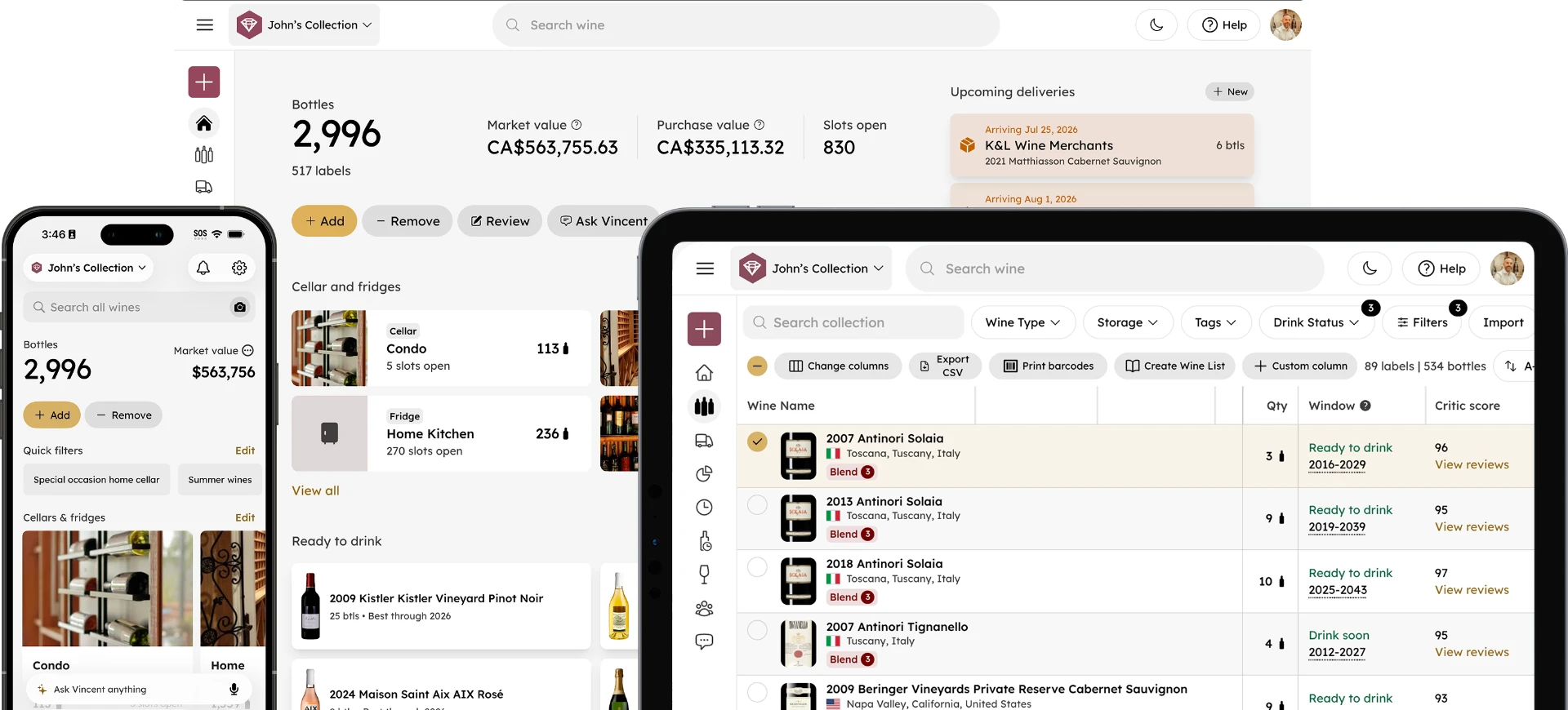
InVintory for hospitality ties variance alerts to individual bottle records and maps where each bottle sits with VinLocate. To weigh it against other tools, compare wine bar inventory software in our side by side guide.
FAQ
What is the difference between variance and waste?
Waste is wine you know you lost and logged, such as a broken bottle. Variance is wine you cannot account for. Logging waste properly shrinks variance, because known losses stop showing up as unexplained gaps.
How often should a wine bar check variance?
Check variance every time you count. The more often you count high value and by the glass wines, the faster you catch a problem. Our count guide covers how to set a counting schedule.
Can variance be negative?
Yes. Negative variance means more wine is on the shelf than sales predict. It usually comes from a miscount, a delivery that was not entered, or a sale rung under the wrong item.
Does variance tracking help with pricing?
Indirectly. Accurate usage data gives you a true cost per glass, which feeds into wine menu engineering and pricing decisions.
Ready to catch missing bottles before service? Get started with InVintory.