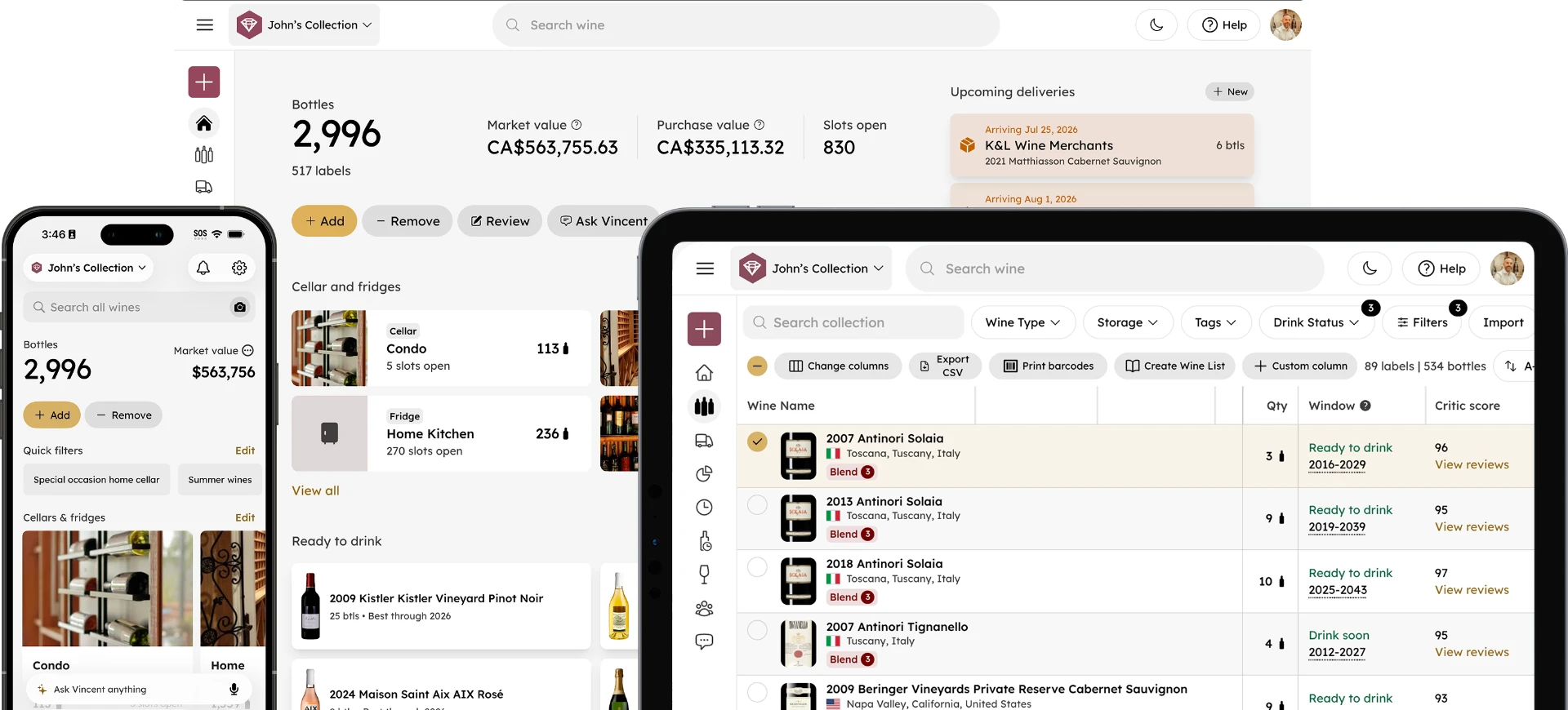
Introducing the Quick Action Menu in InVintory
Madeleine Cruickshank
June 2, 2026 · 3 min read
The features you use most in InVintory should be the easiest to reach. With the new Quick Action menu, they are.
Starting today, a single tap from the home screen opens a customizable menu of actions that puts everything from label scanning to Vincent directly at your fingertips. No more navigating through the app to find what you need.
What Is the Quick Action Menu?
The Quick Action menu is a shortcut panel accessible directly from the InVintory home screen. It surfaces the actions you take most often in one place, so the tasks you repeat every time you use the app take fewer taps to complete.
What's in the Quick Action Menu?
What actions are available?
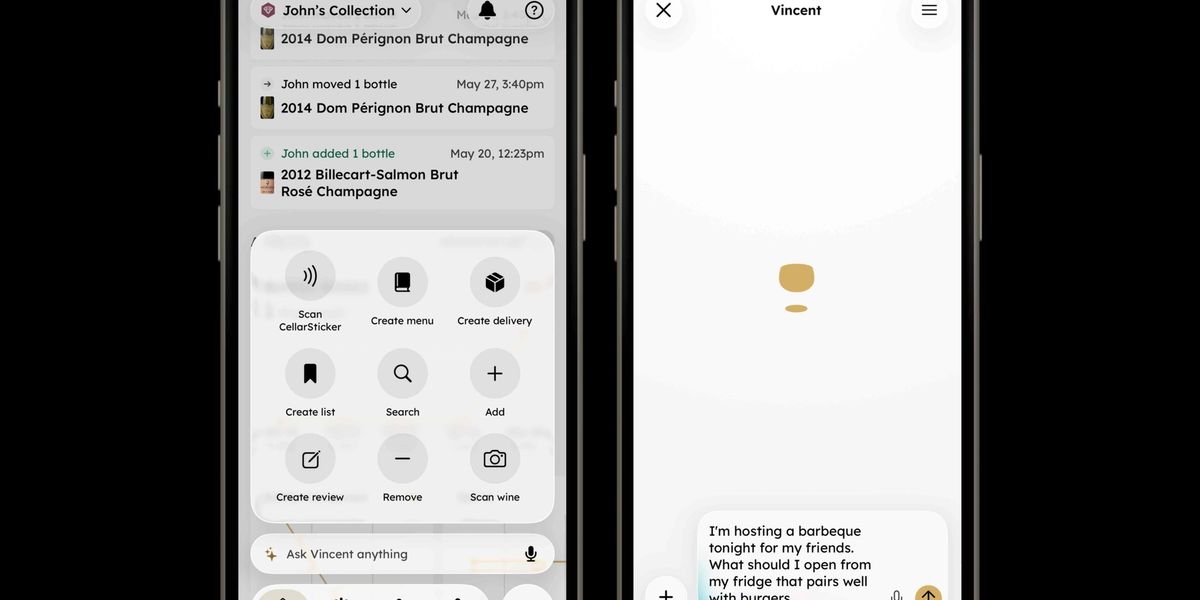
The menu includes nine actions covering the full range of what collectors do in InVintory daily:
- Scan CellarSticker: Scan a sticker to locate a bottle instantly in your cellar
- Create menu: Build a wine menu for a dinner or event
- Create delivery: Log an incoming shipment
- Create list: Start a new Saved List
- Search: Search your collection or the wine database
- Add: Add a new bottle to your collection
- Create review: Log a tasting note
- Remove: Remove a bottle from your collection
- Scan wine: Scan a label to identify a bottle
Several of these actions were previously buried deeper in the app. The Quick Action menu brings them to the surface so you can act immediately without hunting through menus.
Can I customize the Quick Action menu?
Yes. Press and hold any action in the menu to rearrange the order. Put the actions you use most at the bottom so they’re always within thumb reach when you open the menu.
Ask Vincent From the Home Screen
Can I talk to Vincent directly from the Quick Action menu?
Yes. The Ask Vincent anything bar at the bottom of the home screen now supports voice input. Tap the microphone icon, speak your question or request, and your message is transcribed and populated in the Vincent chat box before sending.
The key detail: you can see and edit the transcribed text before it goes to Vincent. If the transcription missed a word or got a wine name wrong, you can fix it in the chat box before hitting send. It's the speed of voice with the accuracy of text.
This means you can ask Vincent what to open tonight, tell him to add a bottle, or ask about a specific wine without typing a single word, directly from your home screen.
Why This Update Matters
The Quick Action menu is a quality-of-life update, but the impact on daily use is meaningful. The collectors who get the most out of InVintory are the ones who log consistently; adding bottles when they arrive, removing them when they're opened, scanning when they're browsing. Every extra tap between opening the app and completing that action is a small point of friction that adds up over time.
Removing that friction is the reason behind this update. The best wine collection management app is the one you actually use every day, and the Quick Action menu makes that easier.
For collectors who want to get more out of InVintory's full feature set, this guide to setting up VinLocate and this overview of what Vincent can do are good starting points.
Frequently Asked Questions
How do I access the Quick Action menu in InVintory?
Tap the menu button in the bottom right corner of the InVintory home screen to open the Quick Action menu. It appears as a panel of nine circular action buttons.
Can I reorder the actions in the Quick Action menu?
Yes. Press and hold any action to enter rearrange mode, then drag actions into the order that works best for your workflow.
Can I use my voice to talk to Vincent?
Yes. The Ask Vincent bar on the home screen now includes a microphone icon. Tap it to record a voice message, which is transcribed into the chat box for you to review and edit before sending to Vincent.
Which features are available in the Quick Action menu?
The menu includes Scan CellarSticker, Create menu, Create delivery, Create list, Search, Add, Create review, Remove, and Scan wine.
Is the Quick Action menu available on web?
The Quick Action menu is currently available on iPhone. Check the InVintory blog for updates on additional platform availability.
The fastest path to a well-managed collection is the one with the fewest steps. The Quick Action menu is built around that idea.