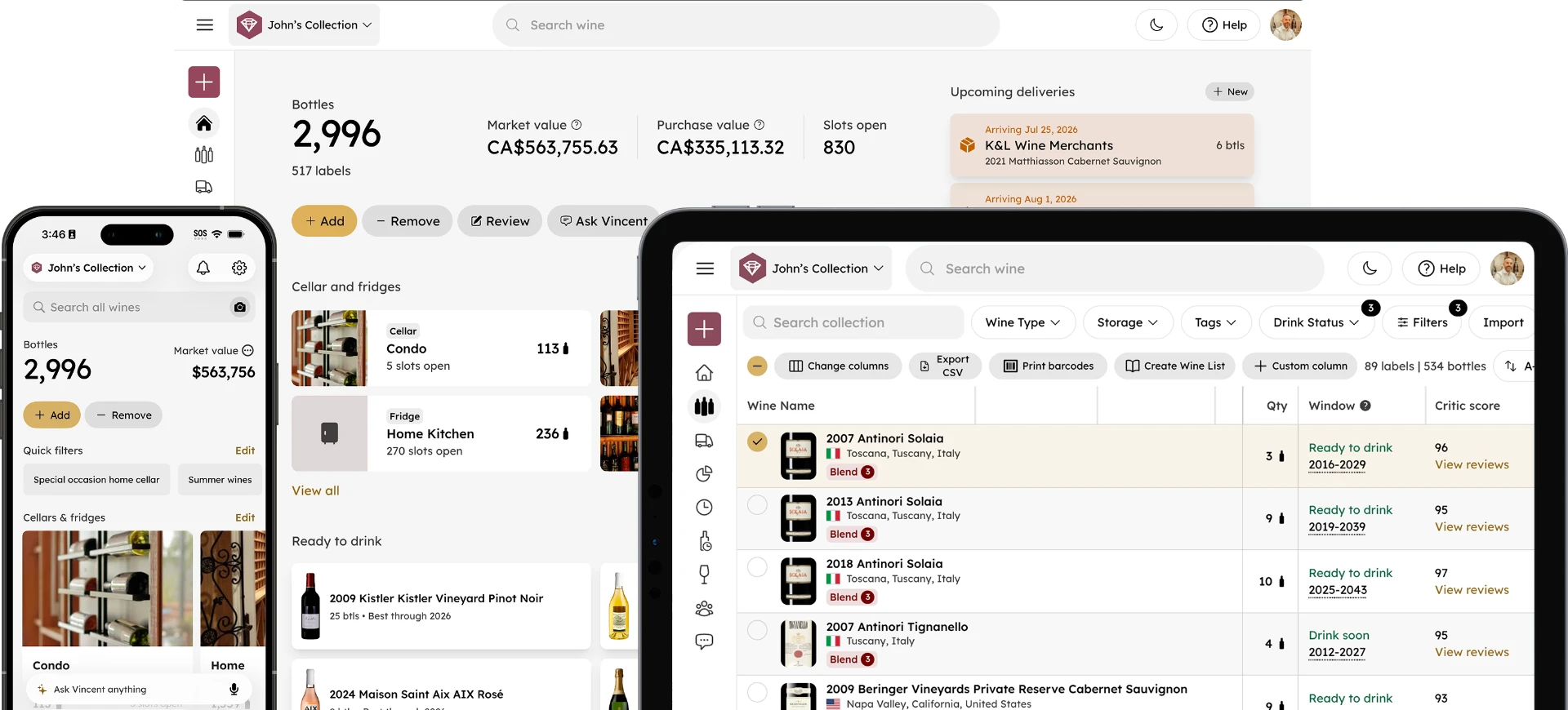
Meet the InVintory MCP Server: Connect Your Cellar to Any AI
Madeleine Cruickshank
June 26, 2026 · 4 min read
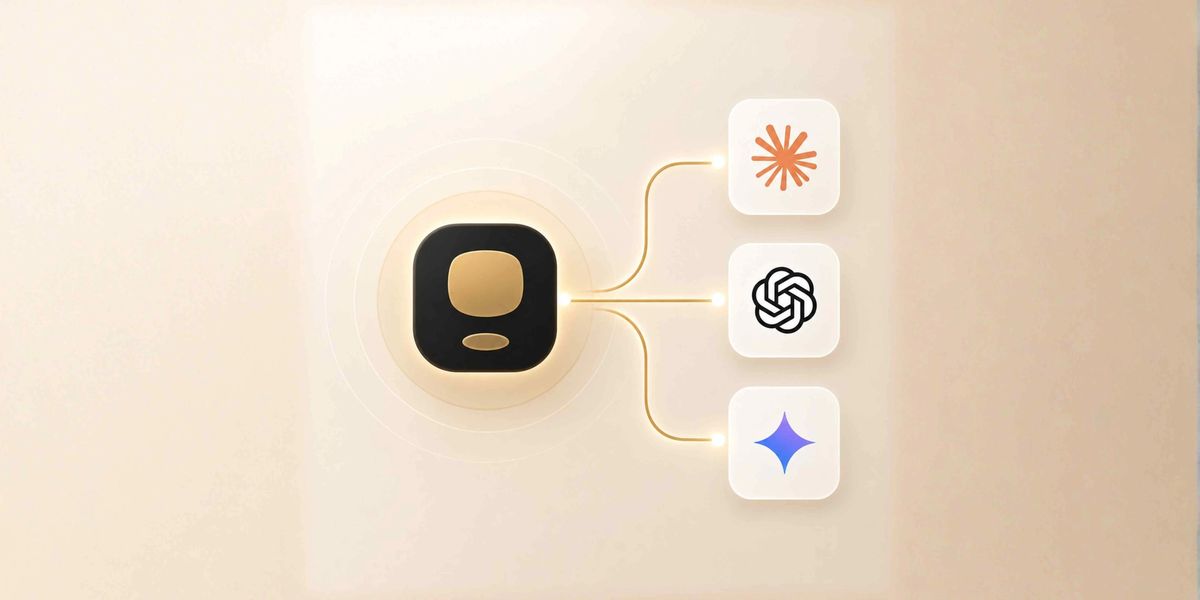
The InVintory MCP server is now live, and it means your wine collection data is no longer limited to the InVintory app. It can now connect to the AI tools you're already using, including Claude, ChatGPT, and Gemini, and answer questions about your cellar from wherever you are.
What Is MCP?
What does MCP stand for and how does it work?
MCP, or Model Context Protocol, is an open-source standard for connecting AI applications to external systems. Using MCP, AI applications like Claude or ChatGPT can connect to data sources, tools, and workflows, enabling them to access key information and perform tasks.
The simplest way to think about it: MCP is like a USB-C port for AI applications. Just as USB-C provides a standardized way to connect electronic devices, MCP provides a standardized way to connect AI applications to external systems.
Before MCP, every AI integration required a custom build. Developers often had to build custom connectors for each data source or tool, resulting in a data integration problem. MCP solves this by giving any MCP-compatible AI a single, standardized way to connect to any MCP server, including InVintory's.
What the InVintory MCP Server Does
What can I do with the InVintory MCP server?
The InVintory MCP server lets any compatible AI assistant read and work with your wine collection data in real time. Once connected, you can ask Claude, ChatGPT, or Gemini questions like:
- "What should I open with steak tonight?"
- "Do I own any 2010 Bordeaux?"
- "What bottles in my collection are worth the most?"
- "What's ready to drink right now?"
And the answer comes from your actual cellar: not from a generic wine database, not from the AI's training data, but from the bottles you own right now.
The MCP server is secured with OAuth, which means your InVintory account credentials handle authentication. The server URL is https://api.invintory.com/mcp and it is included in all paid InVintory plans.
How to Connect InVintory to Claude, ChatGPT, or Gemini
How do I set up the InVintory MCP server?
Setup takes about two minutes. The process is the same across all three AI assistants: you add InVintory as a connector and sign in with your InVintory account when prompted.
Claude
- Open Claude and go to Settings → Connectors
- Click Add custom connector
- Name it InVintory and paste the server URL: https://api.invintory.com/mcp
- Click Connect and sign in with your InVintory account
ChatGPT
- In ChatGPT, open Settings → Connectors (available on Pro, Business, and Enterprise plans)
- Click Create to add a new connector
- Paste the server URL and choose OAuth as the authentication method
- Save, then sign in with your InVintory account when prompted
Gemini
- Open the Gemini CLI or a Gemini-compatible client that supports MCP
- Add a new MCP server entry pointing to https://api.invintory.com/mcp
- Set the transport to HTTP and authentication to OAuth
- Sign in with your InVintory account when prompted
Full setup instructions for all three are also available at invintory.com/mcp.
What This Opens Up Beyond Basic Q&A
What else can I do once my cellar is connected to AI?
The immediate use case is asking an AI about your collection without opening InVintory, which is useful on its own. But MCP's value goes well beyond that.
Once your wine data is accessible to a general-purpose AI, you can build workflows that weren't previously possible. A few real examples:
Financial planning
Ask Claude to pull your collection's market values and map them against your broader asset picture. InVintory tracks market prices for every bottle automatically. Now that data is accessible to the same AI you might use to model your portfolio.
Home integration
Ask your AI what to open while you're cooking dinner, without stepping away from the stove. Your cellar is available wherever your AI is, including voice interfaces and smart home setups.
Insurance and documentation
Ask an AI to help you generate an audit-ready summary of your collection's current value, drawing from InVintory's market price data.
Buying decisions
Ask for a gap analysis of your collection, like which regions are underrepresented, or which drinking windows are thin, without switching between apps.
Restaurant and hospitality workflows
For professional users, connect InVintory to the AI tools your team already uses to manage inventory, sourcing, and service decisions.
The pattern is consistent: wherever AI is already part of your workflow, your wine collection can now show up too, without requiring you to open the app.
Does This Replace Vincent?
Is the MCP server a replacement for Vincent?
No. Vincent and the MCP server serve different roles and work best together.
Vincent is InVintory's built-in AI wine sommelier. He's designed specifically for wine, trained on InVintory's database, and optimized for the kinds of conversations that happen when you're standing in front of your cellar. He remembers your taste preferences, can add and remove bottles through conversation, and gets more personal the more you use him. He's the expert inside the app.
The MCP server is the bridge that takes your collection data outside the app. It gives whatever AI you're already using (Claude, ChatGPT, or Gemini) the ability to reference your actual cellar when you ask wine questions in contexts where InVintory isn't open.
Think of it this way: Vincent is the dedicated expert. The MCP server is what lets your cellar travel with you everywhere else.
For a full overview of what Vincent can do within InVintory, this post on Vincent's features covers everything in detail.
Set Up the InVintory MCP Server →
Frequently Asked Questions
What is the InVintory MCP server URL?
The server URL is https://api.invintory.com/mcp. This is what you paste when adding InVintory as a connector in Claude, ChatGPT, or Gemini.
Is the MCP server available on all InVintory plans?
The MCP server is included in all paid InVintory plans, including Premium and Elite. It is not available on the Free tier.
Is my wine collection data secure when using MCP?
Yes. The InVintory MCP server uses OAuth authentication, which means your InVintory account credentials control access. The AI you connect to reads your collection data; it does not store it independently.
Which AI tools support MCP?
Claude, ChatGPT (on Pro, Business, and Enterprise plans), and Gemini (via the Gemini CLI or compatible clients) all support MCP. Following Anthropic's announcement of MCP in November 2024, the standard was subsequently adopted by OpenAI and Google DeepMind.
Does the MCP server work on all InVintory platforms?
Yes. The MCP server connects to your InVintory account regardless of whether you use the iPhone, iPad, or web app. Your collection data is the same across all platforms.
Your wine collection has been organized, tracked, and valued in InVintory. Now it can go wherever AI is part of how you work and live.