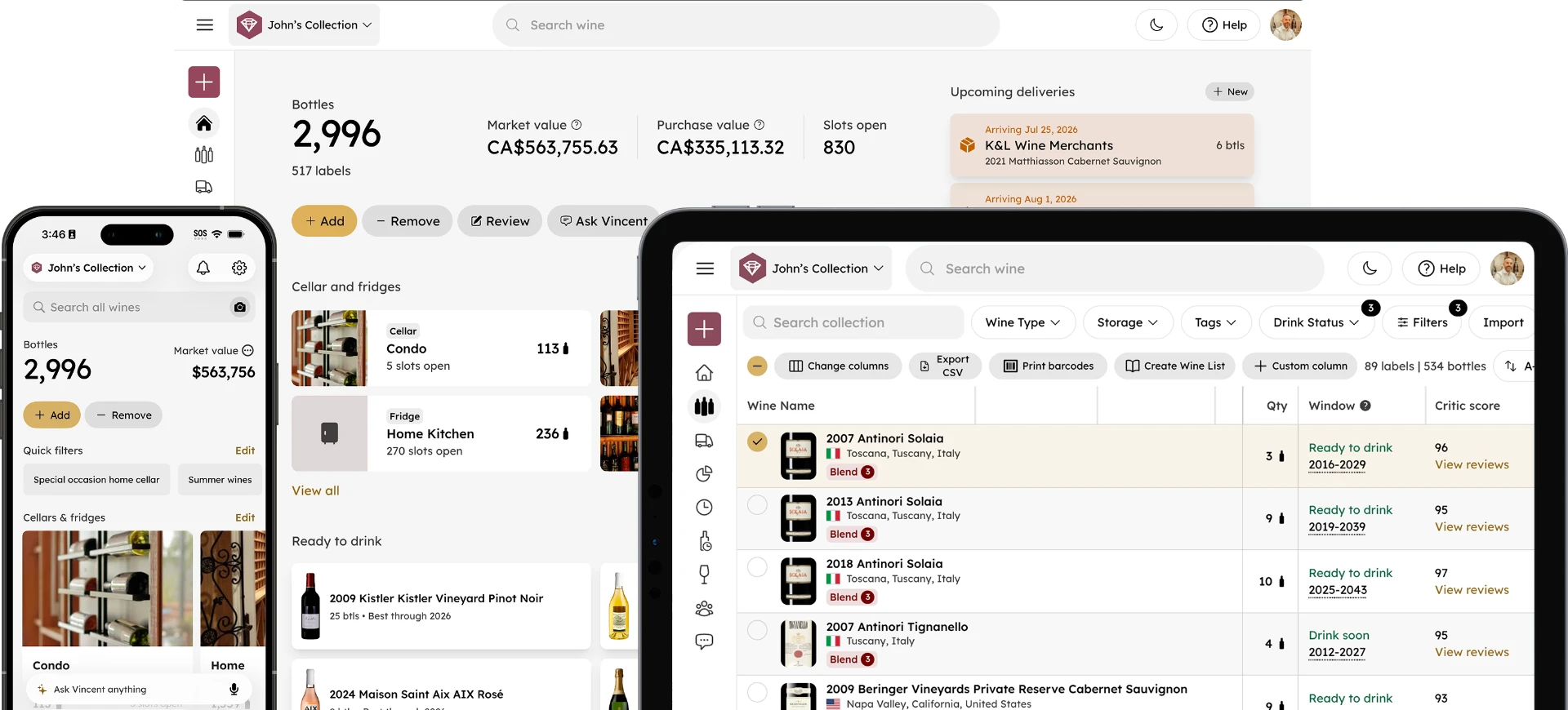
Ask ChatGPT or Claude About Your Wine Collection
Madeleine Cruickshank
July 23, 2026 · 5 min read

Can I ask ChatGPT or Claude about my wine collection?
Yes, if you connect InVintory through its MCP server. Once connected, you can ask a general AI assistant like ChatGPT or Claude natural questions about your actual collection, what's ready to drink, what a bottle is worth, or what pairs with dinner, and get answers based on your real data rather than generic wine knowledge.
What Is an MCP Server, in Plain Terms
MCP (Model Context Protocol) is a standard that lets AI assistants like ChatGPT and Claude connect to outside apps and pull in real data rather than answering purely from general training. InVintory's MCP server is the bridge that lets these assistants see your actual collection, securely and only with your permission, instead of guessing what you might own. For the full technical rundown of how it works and how to set it up, see our guide to the InVintory MCP server.
What You Can Actually Ask Once You're Connected
"What's ready to drink in my collection right now?" Rather than manually checking drinking windows bottle by bottle, ask directly and get a list pulled from your real, current collection data.
"What pairs well with what I'm cooking tonight?" Describe the dish, and get a recommendation drawn from bottles you actually own, not a generic pairing chart.
"What is my collection worth?" Ask for a current valuation, pulling from the same market data InVintory tracks automatically, rather than checking a separate tool or estimating.
"Do I own anything from [a specific producer or region]?" A natural language question like this returns a real answer from your collection instead of requiring you to search or filter manually inside the app.
"What have I been drinking most this year?" Ask about your own consumption patterns and get a genuine answer based on your logged activity, similar to what you'd see in InVintory's own Analytics section, but through conversation instead.
What a Real Conversation Looks Like
The value of this connection is easiest to see in context. Here's roughly what an exchange looks like once you're connected.
You ask: "I'm making steak tonight, what should I open?" The assistant checks your collection and responds with a specific bottle you actually own, one that's within its drinking window and suited to the dish, rather than a generic recommendation for "a bold red."
You ask: "How much has my collection grown in value this year?" The assistant pulls your current and historical valuation data and gives you an actual figure, rather than telling you it doesn't have access to that information.
You ask: "Remind me what that Barolo I bought last spring was again." The assistant searches your logged collection and returns the specific bottle, including any notes you added when you logged it, rather than asking you to look it up yourself.
The pattern across all of these is the same: a question you'd normally have to open the InVintory app to answer becomes something you can just ask, in the middle of whatever else you're doing.
Common Setup Issues and How to Resolve Them
The assistant says it doesn't have access to your collection. This usually means the connection hasn't been authorized yet, or has been disconnected. Check your AI assistant's connector or integration settings to confirm InVintory's MCP server is still connected.
Answers seem out of date. If you've added or removed bottles recently and the assistant's answers don't reflect that, try asking again in a new conversation, since some assistants cache context within a single ongoing chat.
You're not sure if the connection is still active. Ask a simple, verifiable question, like how many bottles are in your collection, and compare the answer to what you see in the InVintory app directly.
For setup steps specific to your assistant, see our full MCP server guide, which covers the walkthrough in more detail than this post does.
Setting It Up
Setting up the connection is a one-time process through your AI assistant's connector or integration settings, where you'll authorize InVintory's MCP server to share your collection data with that assistant. Once connected, there's no separate app to open; you simply ask your existing ChatGPT or Claude conversation about your collection the way you'd ask about anything else. For exact setup steps, screenshots, and troubleshooting, see our full MCP server guide.
Why Use a General Assistant Instead of Vincent?
InVintory's own AI sommelier, Vincent, already answers exactly these kinds of questions inside the app. The MCP connection is for a different use case: asking about your collection from wherever you're already working, whether that's a planning conversation in ChatGPT about an upcoming dinner party or a general Claude conversation where wine comes up naturally. If you're looking for the most collection-aware, purpose-built experience, Vincent inside InVintory remains the more focused option. For more on what Vincent specifically can do, see our Vincent AI Sommelier FAQ and what is an AI wine sommelier.
Privacy and Data Access
The MCP connection only shares what you explicitly authorize, and you control which assistant, if any, has access to your collection data at any time. This isn't a public data feed; it's a permissioned connection between your account and the assistant you choose to connect.
Connecting your collection to an AI assistant you already use daily turns "let me check my cellar app" into a question you can ask in the middle of a conversation you're already having.
Ready to connect your collection to ChatGPT or Claude?
See the Full MCP Server Setup Guide →
FAQ
Do I need a specific InVintory plan to use the MCP server?
Check InVintory's pricing page for current plan details, since MCP access and other advanced features can vary by tier.
Is my wine collection data safe if I connect it to ChatGPT or Claude?
The connection only shares data you explicitly authorize, and you can review or revoke that access at any time. It's a permissioned connection specific to your account, not an open data feed.
Can I use both Vincent and a general AI assistant like ChatGPT?
Yes. Many collectors use Vincent inside the app for day-to-day recommendations and the MCP connection when wine comes up in a conversation they're already having elsewhere.
Which AI assistants currently work with InVintory's MCP server?
InVintory's MCP server is built on the open MCP standard, which both ChatGPT and Claude support. See our MCP server guide for the most current list of supported assistants.
Want your wine collection questions answered wherever you already work?